



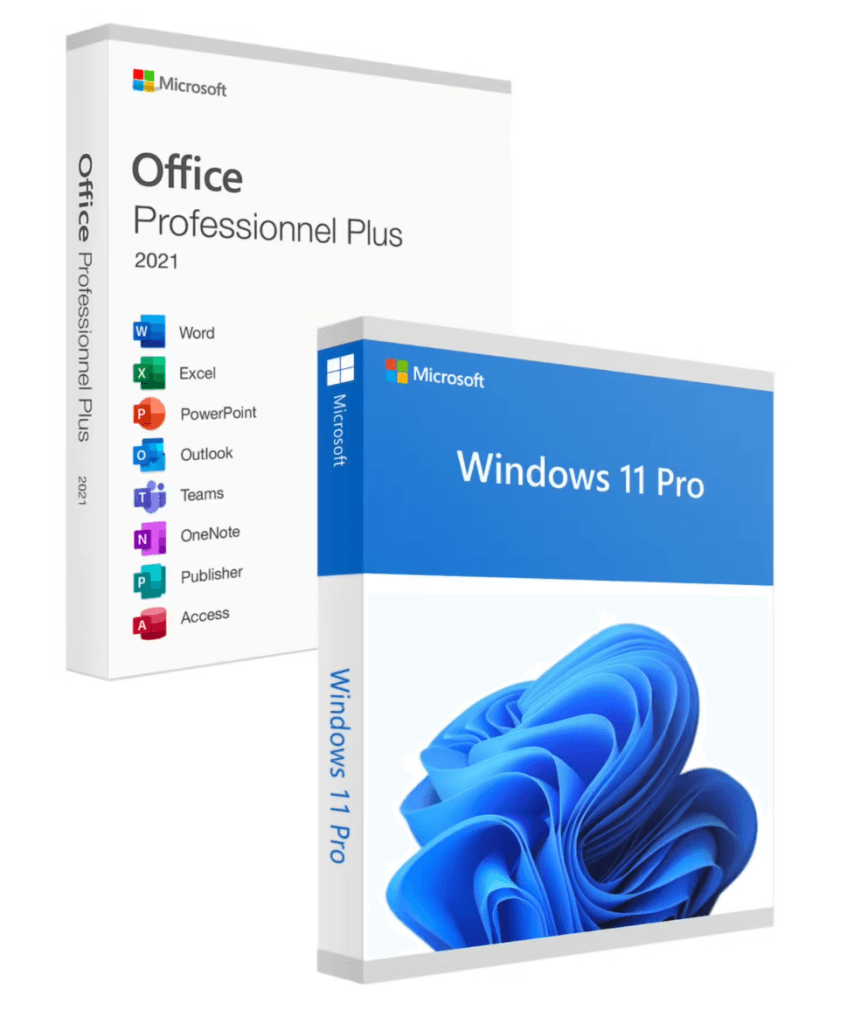
Ce que contient ce pack
System
Windows
- Perpetual license
- Online activation
- Security updates
Office productivity
Office / Visio
- Complete suite
- Lifetime license
- Microsoft activation
Savings
Great-value bundle
- Reduced price
- A single order
- Two licenses
Support
24/7 assistance
- Guided installation
- Assisted activation
- Responsive after-sales support
Windows 11 Home + Office 2024 Home Bundle
Value pack - Perpetual license - Online activation
Only 79 licenses left at this price
Official Microsoft license verified on Microsoft servers.
Pourquoi choisir Pack Windows 11 Famille + Office 2024 ?
- Two perpetual licenses at a bundle price
- Significant savings compared to buying separately
- A fully equipped PC in a single order
- Official activation via Microsoft servers
- Instant delivery by email
- Technical support included for both products
Windows 11 Home + Office 2024 Bundle
This bundle combines two perpetual Microsoft licenses in a discounted package deal. With a single order, you get everything you need to set up your PC from start to finish: operating system and office suite.
Each license activates independently via the official Microsoft servers. You enjoy the same guarantees as with a separate purchase, plus the advantage of a preferential price reserved for our bundles.
New PC
Set up your brand-new computer with everything you need in a single order.
Refurbishing
Bring a PC back to life with an up-to-date operating system and office suite.
Budget-friendly
Get the best price by combining two licenses in a single bundle.
Gift
A complete bundle ready to gift for a birthday or the holidays.
Bundle contents
This bundle combines two perpetual licenses to equip your PC with everything you need.
License information
| License type | Perpetual (lifetime) |
| Users | 1 user |
| Devices | 1 PC |
| Reinstallations | Unlimited on the same device |
| Language | Multilingual (English included) |
| Activation | Online via Microsoft servers |
| Support | 24/7 technical support |
| Updates | Security updates included |
Verified customer reviews
Quick reply and really good install instructions from Euro Shop Key. Top! I'll be back for my next purchases.
Unbeatable price on Euro Shop Key and a quick response from the seller. Great buying experience!
Bought from Euro Shop Key at a minimal cost. After a small temporary issue, support sorted everything out. Recommend.
Leave your review
Share your experience with this product to help other customers.
Installation guide
Activating your Windows 11 Home + Office 2024 Bundle license takes only a few minutes. Here is the procedure, step by step.
Check compatibility
First of all, make sure your computer meets the requirements for the Windows 11 Home + Office 2024 Bundle. You can use Microsoft's PC Health Check tool to verify this quickly.
Download the Windows 11 Home + Office 2024 Bundle
Go to the official Microsoft website to download the media creation tool or the ISO image of the Windows 11 Home + Office 2024 Bundle.
Install the system
Launch the installer and follow the instructions. Choose your language, accept the terms, and select the type of installation you want.
Activate your license
Once the installation is complete, go to Settings > System > Activation. Click « Change product key » and enter the key you received by email.
Need help?
How It Works
Get and activate your Microsoft license in just 3 simple steps
Choose
Select your Windows 11 Home + Office 2024 Home Bundle license or your Pack and add it to your cart.
Pay
Make a 100% secure payment through our partner Paypal.



Activate
Receive your key instantly by email with a detailed installation guide. Our support is available 7/7 if needed.
Frequently asked questions
How do I install this bundle?
The bundle contains two separate license keys. Install the operating system first, then the software suite. Each product is activated separately with its own key. Detailed instructions are provided by email.
