Fonctionnalités clés
Organigrammes
Structures
- Hiérarchies
- Processus
- Flux de travail
Réseaux
Infrastructure
- Topologie réseau
- Architecture
- Schémas serveurs
Flux
Processus
- BPMN
- Logigrammes
- Diagrammes de flux
Plans
Conception
- Plans d'étage
- Aménagement
- Schémas techniques
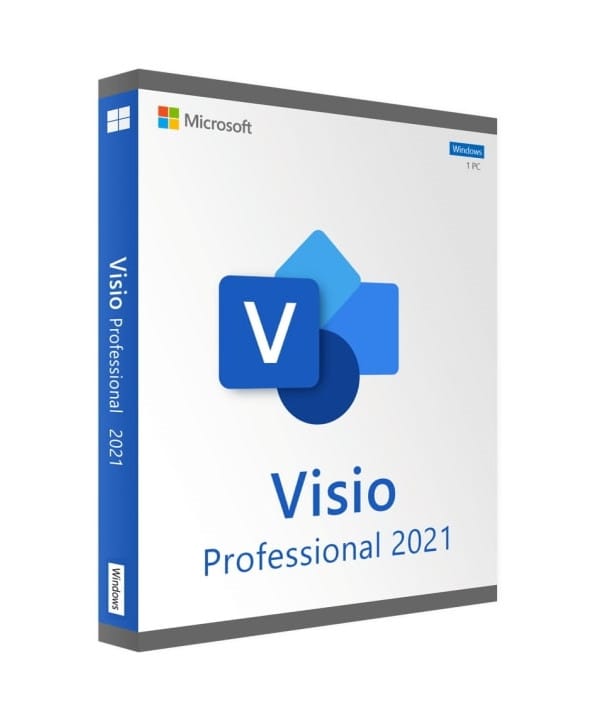
Visio 2021 Professional
Perpetual license - Professional diagram creation - Online activation
Only 46 licenses left at this price
Official Microsoft license verified on Microsoft servers.
Pourquoi choisir Visio 2021 Professionnel ?
- Creation of high-quality professional diagrams
- Connection to Excel, SQL and SharePoint data
- Real-time co-authoring for teamwork
- Hundreds of templates and stencils included
- Perpetual license, no subscription
- Integration with the Microsoft Office suite
Visio 2021 Professional
Visio 2021 Professional is the go-to tool for creating clear, impactful professional diagrams. Org charts, process flows, network diagrams, floor plans — hundreds of templates let you get started instantly.
The Professional edition goes further by connecting your diagrams to external data sources (Excel, SQL Server, SharePoint). Real-time co-authoring and automatic validation make it the ideal tool for teams and complex projects.
IT Architects
Document your network and server infrastructure with standardized diagrams.
Business Analysts
Model your BPMN processes and visually identify areas for improvement.
Project Managers
Create timelines, org charts and flowcharts to drive your projects forward.
HR & Management
Build clear hierarchical org charts for the entire organization.
Technical specifications
System requirements
| Processor | 1.6 GHz or higher, 2 cores |
| RAM | 2 GB RAM |
| Disk space | 3 GB available |
| Display | 1280 x 768 pixels |
| Operating system | Windows 10 or Windows 11 |
| Internet | Connection required for activation |
License information
| License type | Perpetual (lifetime) |
| Users | 1 user |
| Devices | 1 PC |
| Reinstallations | Unlimited on the same device |
| Language | Multilingual (English included) |
| Activation | Online via Microsoft servers |
| Support | 24/7 technical support |
| Updates | Security updates included |
Visio 2021 Professional Features
Advanced diagrams
Create org charts, process flows, network diagrams and UML with comprehensive professional tools.
Data connection
Link your diagrams to external data sources: Excel, SQL Server, SharePoint and Active Directory.
Collaboration
Work together on the same diagram thanks to co-authoring and sharing via SharePoint.
Validation
Automatically check your diagrams with validation rules to ensure compliance.
Verified customer reviews
Professional service from Euro Shop Key. Clear explanations, reply in under 24 hours. Perfect!
Euro Shop Key's support helped me finish my install perfectly. Thanks for the professionalism!
Euro Shop Key is very professional and very responsive, even during the holidays. License activated with no problem. Highly recommend!
Leave your review
Share your experience with this product to help other customers.
Installation guide
Install and activate Visio 2021 Professional by following these few steps.
Download
Go to the Microsoft portal with your product key to download Visio 2021 Professional.
Installation
Run the downloaded installation file. Visio 2021 Professional installs automatically on your machine.
Activation
Open Visio 2021 Professional, click File > Account, then enter your product key to activate the license.
Verification
Activation is confirmed when the status displays « Product activated » in File > Account.
Need help?
How It Works
Get and activate your Microsoft license in just 3 simple steps
Choose
Select your Visio 2021 Professional license or your Pack and add it to your cart.
Pay
Make a 100% secure payment through our partner Paypal.



Activate
Receive your key instantly by email with a detailed installation guide. Our support is available 7/7 if needed.
Frequently asked questions
Do I need Office to use Visio 2021 Professional?
Visio 2021 Professional installs independently. However, if Office is already present, Visio integrates into the environment and lets you insert diagrams into your Word documents or PowerPoint presentations.
What are the differences with Visio Standard?
Is the license perpetual?
What types of diagrams can I create?
You might also like

Office 2024 Home and Business
Office 2024 Home and Business - Genuine Microsoft license. Instant delivery by email.
Office 2016 Professional Plus (bind)
Office 2016 Professional Plus (bind) - Genuine Microsoft license. Instant delivery by email.
Office 2016 Professional
Office 2016 Professional - Genuine Microsoft license. Instant delivery by email.