Euroopa ettevõte asukohaga Prantsusmaal


Included applications
Word 2021
Word processing
- Professional documents
- Automatic correction
- Collaboration
Excel 2021
Advanced spreadsheet
- Advanced formulas
- PivotTables
- Data analysis
PowerPoint 2021
Presentations
- Animations
- Transitions
- Presenter mode
Outlook 2021
- Integrated calendar
- Contact management
- Email rules
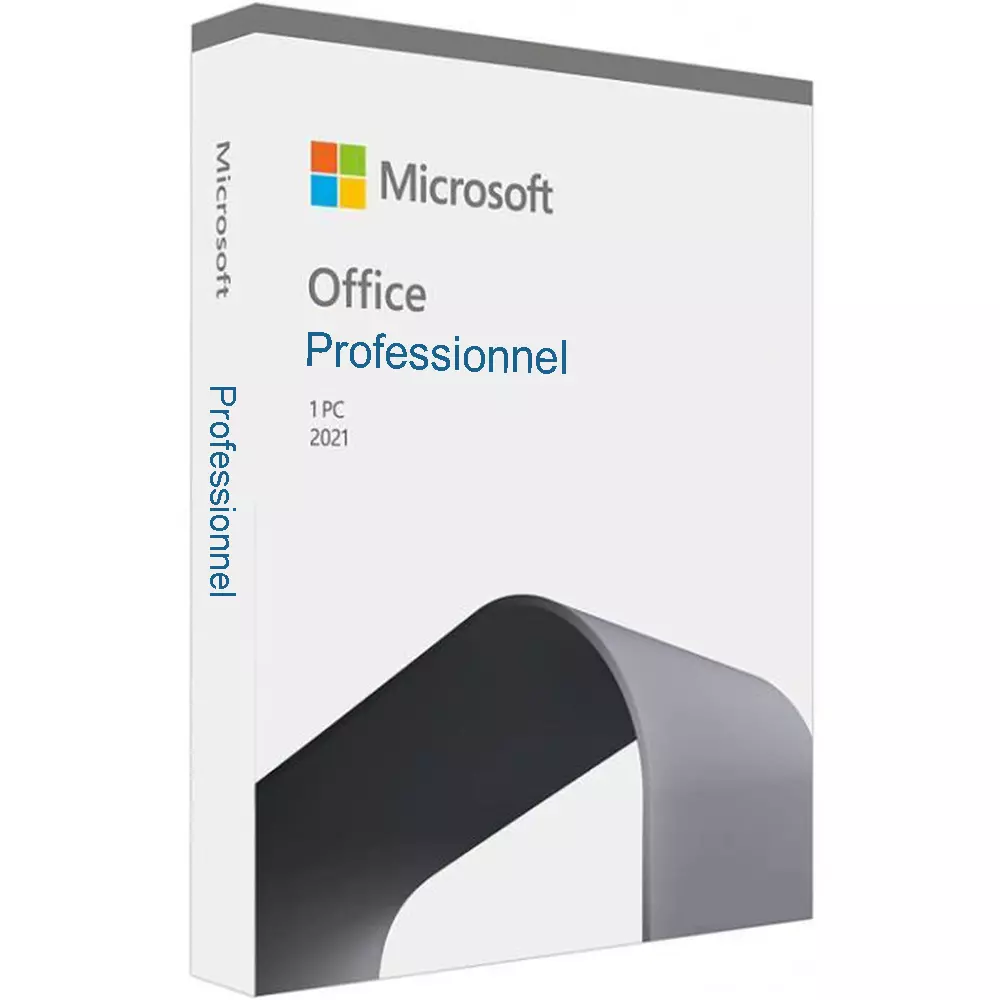
Office 2021 Professional
Perpetual license - PC installation - Activation
Official Microsoft license verified on Microsoft servers.






Why choose Office 2021 Professional?
- Word, Excel, PowerPoint and Outlook for your professional activity
- One-time payment, no subscription to renew
- Perpetual license usable with no time limit
- Ideal for freelancers and small businesses
- Automatic security updates
- Easy activation via Microsoft servers
Office 2021 Professional
Office 2021 Professional is a proven, reliable version of Microsoft Office. With a perpetual license, you get the Office applications you need every day without any monthly subscription.
This suite includes Word, Excel, PowerPoint and Outlook in stable, high-performance versions. Each application is built to meet the demands of everyday work, whether you need to create documents, analyze data or stay in touch with your contacts.
Businesses
Boost your team’s productivity with professional tools for document creation, data analysis and communication.
Students
Create polished academic work, organize your notes and build impactful presentations to succeed in your studies.
Home users
Manage your personal documents, family budgets and creative projects with powerful, easy-to-use tools.
Professionals
Work more efficiently every day with tools tailored to the needs of freelancers and consultants.
What’s new in Office 2021
XLOOKUP in Excel
A new lookup function that’s more powerful and flexible than VLOOKUP.
Improved inking
Draw and annotate naturally in Word, Excel and PowerPoint.
Real-time co-authoring
Work on a document at the same time as your colleagues.
Performance
A responsive interface and faster load times compared to previous versions.
Office 2021 vs Microsoft 365
| Feature | Office 2021 | Microsoft 365 |
|---|---|---|
| License type | Perpetual (one-time purchase) | Monthly/annual subscription |
| Office applications | Included | Included |
| Cloud storage | Not included | 1 TB OneDrive included |
| Feature updates | Fixed (2021 version) | Ongoing |
| Security updates | Included | Included |
| Long-term cost | Affordable (one-time payment) | Higher (recurring payments) |
Technical specifications
System requirements
| Processor | 1.1 GHz or higher, 2 cores |
| RAM | 4 GB RAM |
| Disk space | 4 GB available |
| Display | 1280 x 768 pixels |
| System | Windows 10 or Windows 11 |
| Browser | Edge, Chrome, Firefox or Safari |
| Internet | Connection required for activation |
License information
| License type | Perpetual (lifetime) |
| Users | 1 user |
| Devices | 1 PC |
| Reinstalls | Unlimited on the same device |
| Language | Multilingual (English included) |
| Activation | Online via Microsoft servers |
| Support | Technical assistance 7 days a week |
| Updates | Security updates included |
Applications included in Office 2021 Professional
Microsoft Word 2021
Professional word processing with layout tools, proofing and real-time collaboration.
Microsoft Excel 2021
Advanced spreadsheet with formulas, pivot tables, charts and data analysis tools.
Microsoft PowerPoint 2021
Create impactful presentations with animations, transitions and presenter mode.
Microsoft Outlook 2021
Complete email client with integrated calendar, contacts and task management.
Klientide arvustused
Euro Shop Key's support helped me perfectly to finalize my installation. Thanks for the professionalism!
Excellent seller Euro Shop Key. The products work, responsive customer service. I recommend this site.
Euro Shop Key is very pro and very responsive even during the holidays. License activated without any problem. I highly recommend!
Jätke oma arvustus
Jagage oma kogemust selle tootega, et aidata teisi kliente.
Installation Guide
Installing Office 2021 Professional takes just a few minutes. Follow these steps to get up and running quickly.
Download
After your purchase, you receive an email with your activation key. Go to the Microsoft installation portal to download Office 2021 Professional.
Installation
Run the downloaded file and wait while the installation completes. The process is fully automatic.
License activation
Open any application (Word, Excel...). The activation window appears automatically.
- Click “Activate Office”
- Select “I have a product key”
- Enter your key (include the hyphens)
- Follow the instructions to finish
Verification
To confirm activation, open an Office application and go to File > Account. The status should show “Product activated”.
Need help?
Kuidas see toimib
Hankige ja aktiveerige oma Microsofti litsents vaid 3 lihtsa sammuga
Valige
Valige oma Office 2021 Professional litsents või pakett ja lisage see ostukorvi.
Maksa
Makske turvaliselt kaardi, Apple Pay, Google Pay või Bancontactiga.






Aktiveerige
Saate oma võtme kohe e-postiga koos üksikasjaliku paigaldusjuhendiga. Vajaduse korral vastab meie klienditugi e-posti teel 24/7.
Korduma kippuvad küsimused
How do I receive my Office 2021 Professional license?
Your activation key is sent by email within minutes of your purchase. You will also receive a download link and installation instructions. If needed, our support is available 7 days a week.
What is the difference between Office 2021 Professional and Microsoft 365?
Are updates included?
Can I reinstall in case of a breakdown or reformatting?
Teile võib meeldida ka
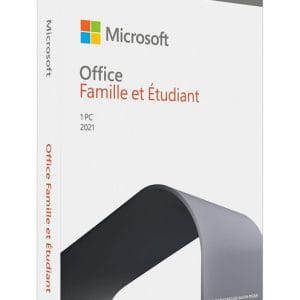
Office 2021 Home and Student (bind)
Office 2021 Home and Student - Genuine Microsoft license. Instant delivery by email.
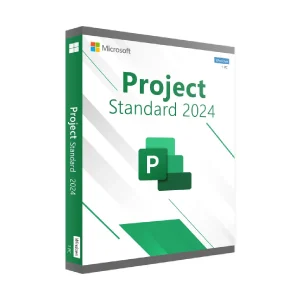
Project 2024 Standard (bind)
Project 2024 Standard - Official Microsoft license. Instant delivery by email.