Evropsko podjetje s sedežem v Franciji



Key features
BitLocker
Disk encryption
- Data protection
- AES 256-bit encryption
- TPM/PIN unlock
Remote Desktop
Remote access
- Native RDP connection
- Access from any device
- File transfer
Hyper-V
Virtualization
- Virtual machines
- Environment isolation
- Testing and development
Advanced security
Enhanced protection
- Windows Defender
- Smart firewall
- Real-time protection
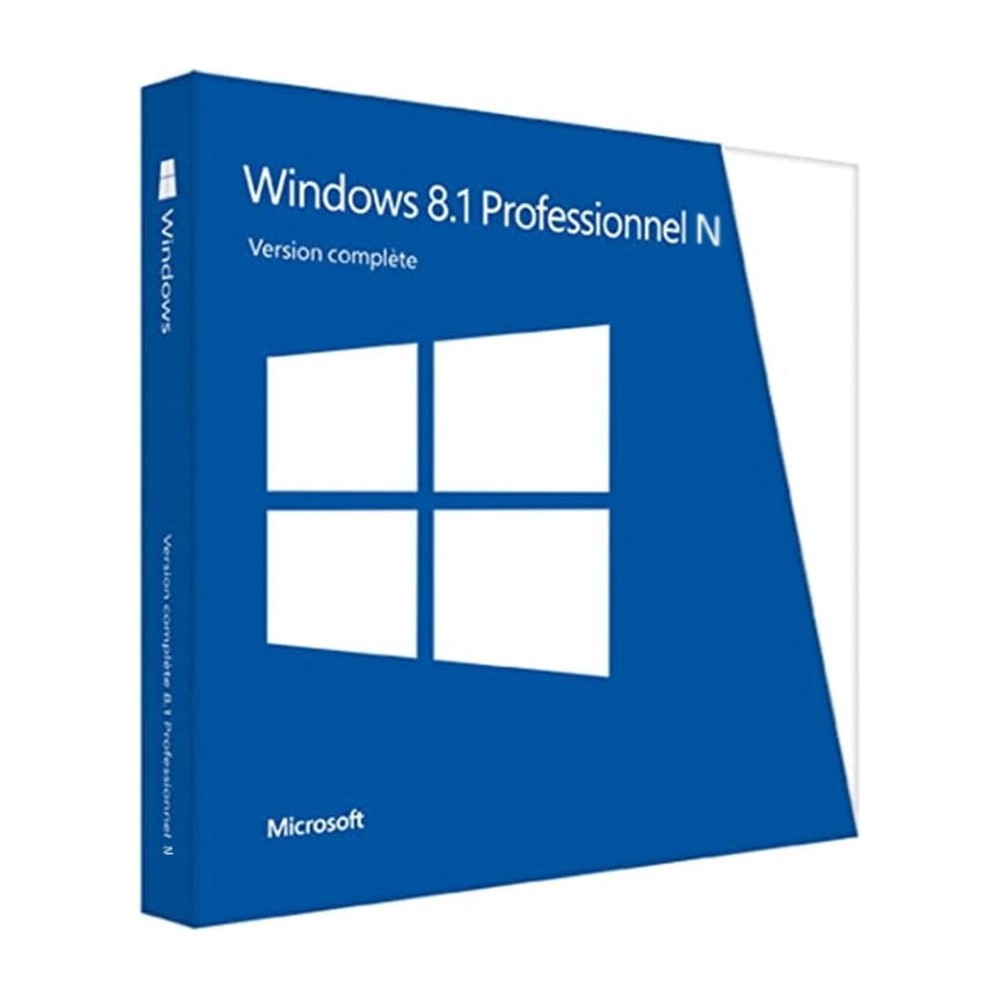
Windows 8.1 Professional N
Perpetual license - PC installation - Official Microsoft online activation
Official Microsoft license verified on Microsoft servers.





Why choose Windows 8.1 Professional N?
- BitLocker Encryption to protect your professional data
- Built-in Remote Desktop to work from anywhere
- Hyper-V to create virtual machines without additional software
- Join an Active Directory or Azure AD domain with ease
- Perpetual license without a recurring subscription
- Official activation via Microsoft servers
Windows 8.1 Professional N
Windows 8.1 Professional N is the professional edition of Windows 8.1, designed for those who need to go beyond the consumer version. It includes BitLocker encryption, Remote Desktop, Hyper-V and domain join — practical tools to work efficiently, whether you’re a freelancer or a business.
With a perpetual license, you pay once and keep your system for life. Activation happens online directly on Microsoft servers, in just a few clicks.
The N edition is identical to the standard version, without the preinstalled multimedia apps (Windows Media Player, Movies & TV). You can add them for free via the Media Feature Pack if needed.
Self-employed & Freelancers
Work with professional tools (BitLocker, Remote Desktop) without the complexity of an enterprise license.
Small & Medium Businesses
Equip your team with a system that integrates with Active Directory and professional management tools.
Developers
Test your applications in isolated environments thanks to natively integrated Hyper-V.
Remote Workers
Access your machine remotely via Remote Desktop, from any device.
The advantages of Windows 8.1 Professional N
Modern UI interface
Start screen with live tiles and classic desktop in one click.
Built-in security
Windows Defender and firewall for effective baseline protection.
Fast startup
Optimized boot for startup in just a few seconds.
Cloud integration
Built-in OneDrive sync and Microsoft account.
Technical specifications
System requirements
| Processor | 1 GHz or faster with PAE, NX and SSE2 |
| RAM | 1 GB (32-bit) or 2 GB (64-bit) |
| Disk space | 16 GB (32-bit) or 20 GB (64-bit) |
| Display | 1024 x 768 pixels |
| Graphics card | DirectX 9 compatible with WDDM 1.0 driver |
| Internet | Connection required for activation |
License information
| License type | Perpetual (lifetime) |
| Users | 1 user |
| Devices | 1 PC |
| Reinstalls | Unlimited on the same device |
| Language | Multilingual (English included) |
| Activation | Online via Microsoft servers |
| Support | Technical assistance 7 days a week |
| Updates | Security updates included |
Windows 8.1 Professional N features (N edition)
BitLocker
Full hard drive encryption to secure all your sensitive data against theft or loss.
Remote Desktop
Connect to your PC from anywhere thanks to the natively built-in RDP protocol.
Hyper-V
Create and manage virtual machines directly from your workstation, without third-party software.
Advanced management
Group policies, Azure AD Join and device management for professional environments.
Mnenja strank
Nothing to complain about with Euro Shop Key! Fast delivery, competitive price, clear activation docs. I highly recommend this seller.
Very attractive price on Euro Shop Key. Fast shipping, efficient customer service. I recommend this seller!
Oddajte svoje mnenje
Delite svojo izkušnjo s tem izdelkom in pomagajte drugim strankam.
Installation guide
Activating your Windows 8.1 Professional N license takes only a few minutes. Here is the step-by-step procedure.
Download Windows 8.1 Professional N
Download the ISO image from the Microsoft website or use the link provided in your confirmation email.
Create installation media
Burn the ISO to a DVD or create a bootable USB drive with a tool such as Rufus.
Install the system
Boot your PC from the installation media and follow the wizard. Enter your product key when prompted.
Verify activation
Go to PC Settings > Activation to verify that your license is active.
Need help?
Kako deluje
Licenco Microsoft pridobite in aktivirajte v samo 3 preprostih korakih
Izberite
Izberite svojo Windows 8.1 Professional N licenco ali paket in ga dodajte v košarico.
Plačaj
Varno plačajte s kartico, Apple Pay, Google Pay ali Bancontact.





Aktivirajte
Ključ prejmete takoj po e-pošti, skupaj s podrobnimi navodili za namestitev. Po potrebi vam naša podpora odgovori po e-pošti 24/7.
Pogosta vprašanja
How do I activate my Windows 8.1 Professional N license?
After your purchase, you receive your key by email within a few minutes. Go to Settings > System > Activation, click “Change product key” and enter your key. Activation is done online via Microsoft servers.
What are the advantages over the Home edition?
Is the Windows 8.1 Professional N license perpetual?
Can I reinstall Windows 8.1 Professional N after formatting?
What does the N version mean?
What happens if I have a problem during activation?
Morda vam bo všeč tudi
Windows 11 Professional N
Official Windows 11 Professional N license. Instant delivery by email. Activation on Microsoft servers. Lifetime warranty. Support included.
Windows 10 Professional N
Official Windows 10 Professional N license. Instant delivery by email. Activation on Microsoft servers. Lifetime warranty. Support included.
Office 2019 Home and Student for Mac
Official Office 2019 Home and Student for Mac license. Instant delivery by email. Activation on Microsoft servers. Lifetime warranty. Support included.
Office 2016 Home and Student for Mac
Official Office 2016 Home and Student for Mac license. Instant delivery by email. Activation on Microsoft servers. Lifetime warranty. Support included.